
Downloading PDF
Open “Downloads” folder
Find file labeled “editable pdf” and double click to open (coming soon)
Find file labeled “printable pdf” and double click to open
Printing PDF
After you open Pdf labeled “printable”
Click “file”
click “print”
choose correct printer
scroll down and click “print”
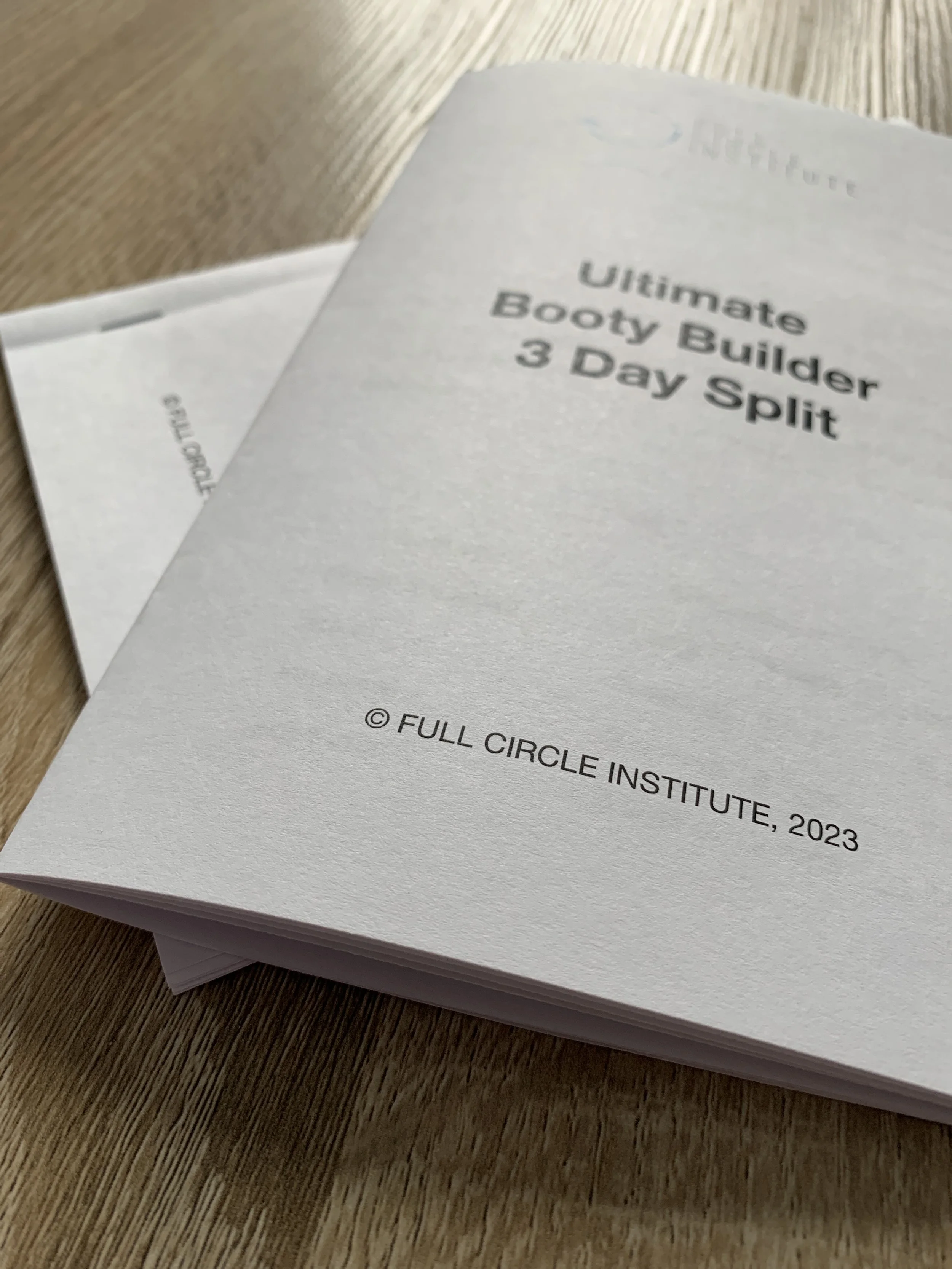
Folding printed PDF
Pick up printed stack
Take bottom page from stack (cover page)
Flip bottom page over (cover page)
Return bottom page to bottom of stack
Fold Hamburger style so FCI logo is on the front
Staple top, middle and bottom of programs spine